Restaurant POS
How a custom Android POS system was built to keep working when the internet doesn't.
Most restaurant POS systems assume the internet is always there. That assumption holds right up until it doesn't — and when it doesn't, the floor stops. Servers can't take orders. Cooks can't see tickets. Managers can't split checks. The whole operation freezes and everyone stands around waiting for a router to reboot.
Antonio's Point of Sale was built on the opposite assumption: offline is the default state. The network is a nice-to-have. Every feature works with or without it, and the only thing the network adds is shared visibility between devices.
This is the story of how that architecture came together, and why it changes almost every design decision downstream.
The scenario
The venue runs four services from a single Android tablet: a dine-in restaurant, a takeout counter, a motel front desk, and a reservation book. Internet connectivity is intermittent — consumer-grade, occasionally down for hours at a time — and the POS has to keep running through every outage without anyone reaching for a paper backup.
That's the operational brief. Everything else follows from it.
Five decisions that define the system
The application rests on five architectural decisions. Each one is simple on its own; together they make the whole system reliable.
1. Every write commits locally first
No order, payment, or table state change ever waits on a network call. The Room database is written first, and the sync queue is a background detail. If the network is available, the change propagates within seconds. If it isn't, the change is held locally and retried later. The user never sees the difference.
2. Every screen reads from the same Room database
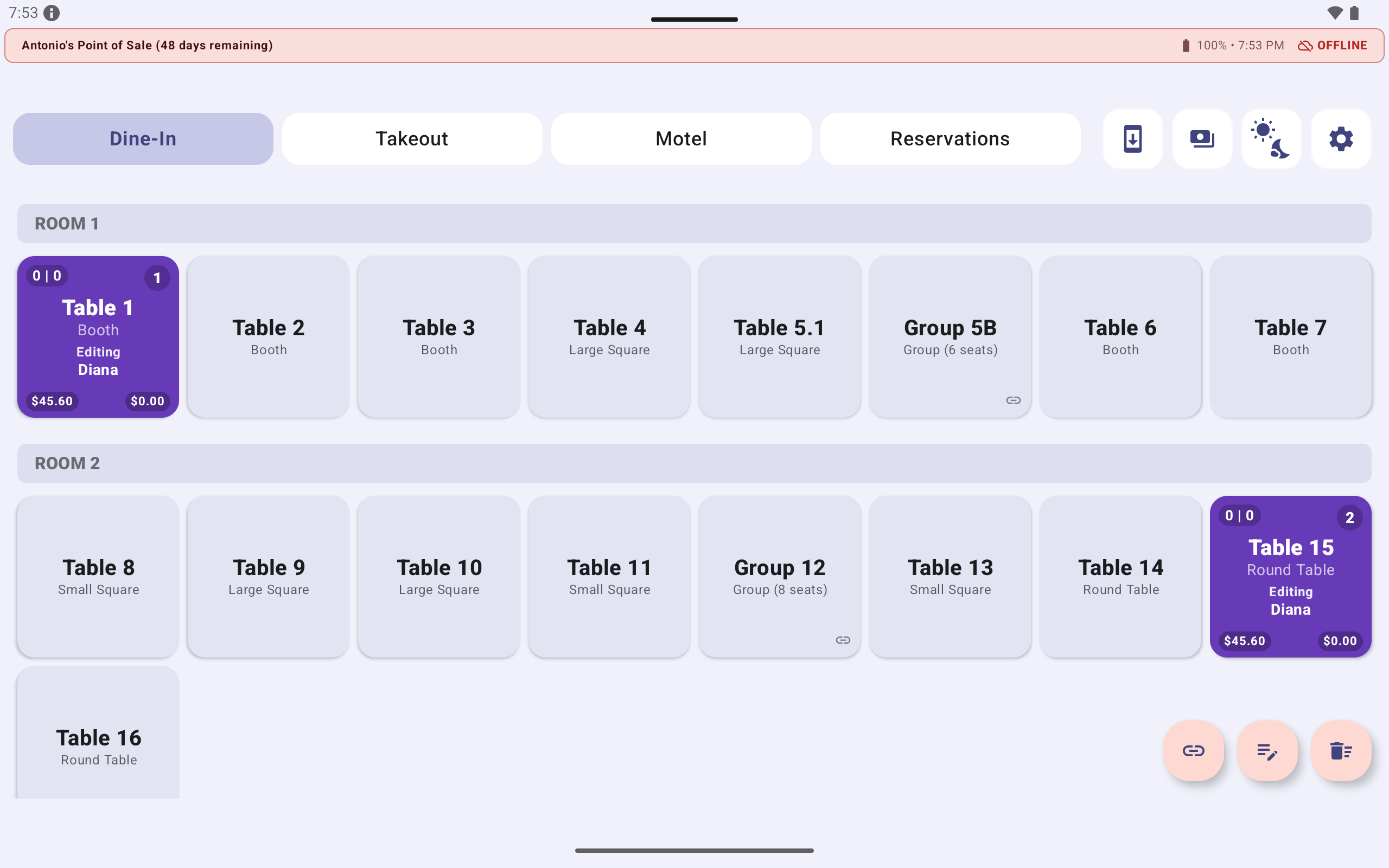
There is no cache, no shadow state, no in-memory session object that can drift from what's persisted. A table that shows $45.60 on the dashboard shows $45.60 on the ordering station, the payment screen, and the receipt — because all four screens are observing the same database row.
This sounds obvious, but it's not what most apps do. Most apps maintain a local state object per screen, and the bug surface area of keeping those in sync is enormous. Collapsing them into one source of truth eliminates an entire class of defect.
3. Every item is assigned to a guest at the moment of ordering
The ordering station has a guest tab row above the menu: Shared, Guest 1, Guest 2, Guest 3, Guest 4. A server taps a tab, taps an item, and the item is now assigned to that guest. The tab row is deliberately generic by default — a table of four doesn't know each other's names on arrival, and the server shouldn't have to type them just to take an order. Every guest tab from Guest 1 through Guest 99 can be renamed in place, and the new name propagates to the Live Receipt, the payment screen, and the printed customer receipt. A four-top where the server catches names becomes Andrew, Josh, Guest 3, Guest 4; a four-top where they don't stays Guest 1, Guest 2, Guest 3, Guest 4 — and the bill splits perfectly either way.
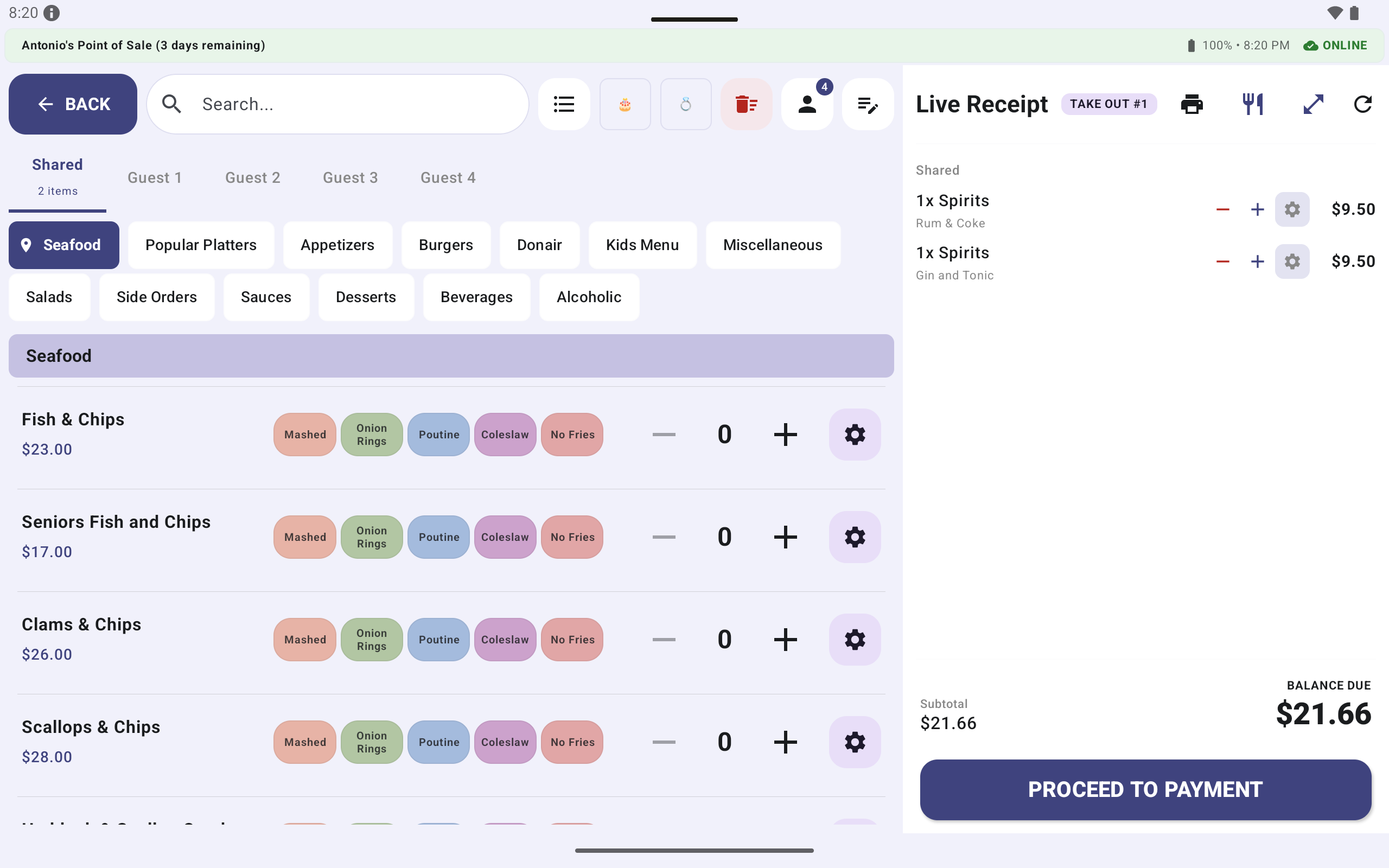
That combination of strict assignment and flexible labeling is what makes the feature stick. If labels were mandatory, servers would skip the guest tabs on busy nights and fall back to a single shared check; if assignment were optional, items would pile into an unassigned bucket and the split-bill workflow would degrade into manual reconciliation at payment time. By keeping assignment immediate and the label optional, the design captures the information at the moment it's known — which is exactly when the server still has full context — without ever making the server's job harder. The kitchen ticket deliberately excludes guest names entirely: cooks only see table and item, keeping the ticket readable at a glance.
4. Every payment mode converges on the same intermediate quantity
The payment screen offers three splitting modes:
- All / Item — pick specific items to pay
- By Guest — pick a guest and pay their full set
- % / People — split the remaining balance N ways or by percentage
All three modes compute the same intermediate quantity (the selected subtotal plus its proportional tax) and feed it into the same payment step. That means a table can be paid off in any mix of modes — a guest pays for their items in By Guest mode, then the remaining shared items are split three ways in % / People mode — and the running remaining balance always reflects the true state of the check.
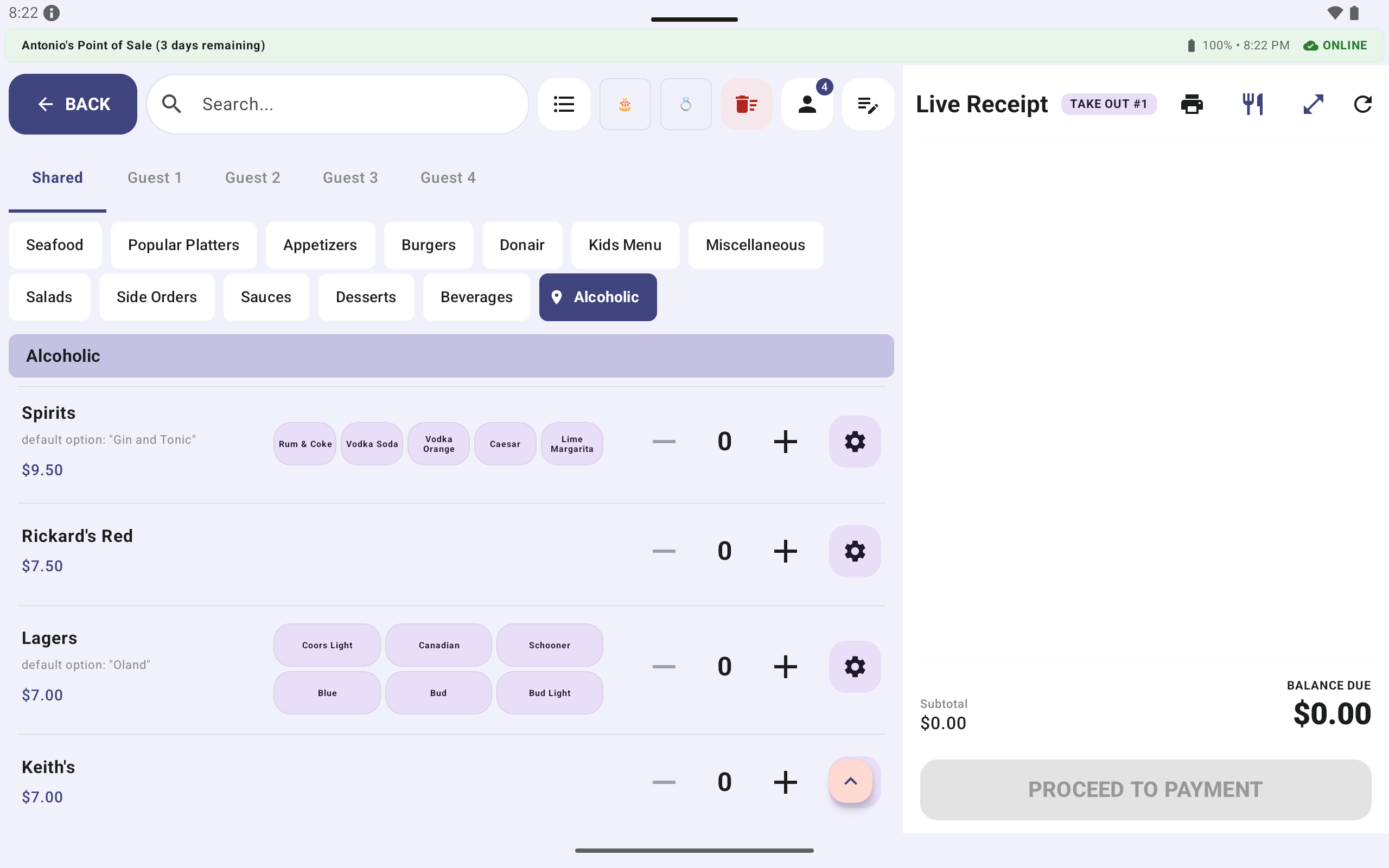
The By Guest mode is only usable because guest assignment happened upstream. Without it, the server would have to visually re-scan the item list at payment time and mentally reconstruct who ordered what — which is exactly the moment when memory is least reliable and the guest is most likely to dispute a charge. The design captures the information at the moment it's known, in a form that stays correct no matter how long the meal runs.
5. Offline disables cross-device visibility, not local functionality
This is the one that matters most. When the tablet is offline:
- Every screen still works.
- Every order still commits.
- Every payment still processes.
- Every receipt still prints.
The only thing that changes is that the current device's changes are not yet visible to the other tablets in the venue. That's it.
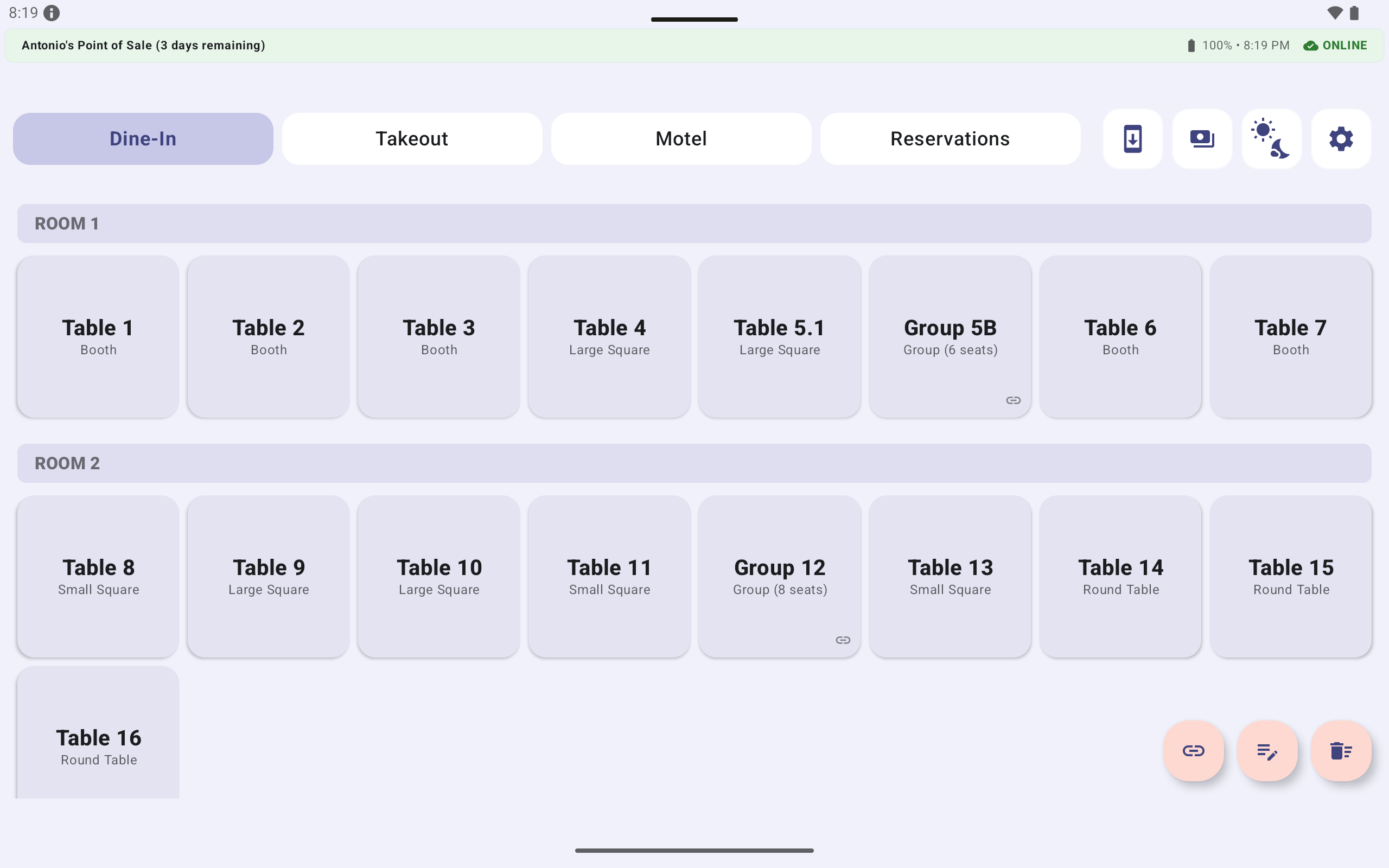
When the device reconnects, the badge flips from red to green and the queue drains automatically, including a bidirectional reconciliation that pulls in any changes made elsewhere during the offline window.
The offline-first architecture in practice
The application has two request paths that converge at the server.
The online path sends requests directly through the Node.js server, where they pass through authentication, role-based access control, validation, and business services before reaching the database.
The offline path stores operations in a local cache and queue. On reconnection, the sync API replays them through the exact same server pipeline.
That convergence is the whole trick. It means:
- The offline path can't accidentally be more permissive than the online path.
- The audit log records offline actions the same way it records online ones.
- There's no second business-logic path that quietly drifts out of sync with the first.
The sync badge — red for offline, green for online — sits in the top status bar of every screen, at the same size and position, so a staff member never has to wonder what state the device is in. The answer is always visible.
The Minutes Indicator
One small detail worth calling out because it's the kind of thing that only emerges from actually watching staff work.
Every active table card displays a two-part timing indicator in the format MM | MM:
- The first value is the minutes elapsed since the order was added — how long the guests have been actively dining.
- The second value is the minutes elapsed since the table was last edited — how long since any staff member touched the table.
An empty table shows 0 | 0. A table that was ordered two minutes ago and last edited four minutes ago shows 2 | 4. The two values diverge when a table has been idle since its last edit, and they converge when a server is actively working the table.
That second number is the one that earns its keep. A table showing 65 | 40 has not been touched in 40 minutes despite an active order — which is exactly the kind of service gap a manager wants to spot before the guest has to flag someone down.
The Kitchen Display System
The KDS is a completely different screen for a completely different audience. Cooks need to see what to make, in what order, with what modifiers — they never need to see prices, guest names, or payment state.
Every ticket is a card with:
- Table identifier and guest name
- Item list with modifiers shown as colored pills
- A timer that's green under 5 minutes, amber from 5–12, and red past 12 with a subtle pulse animation
- Start, Ready, and Served action buttons
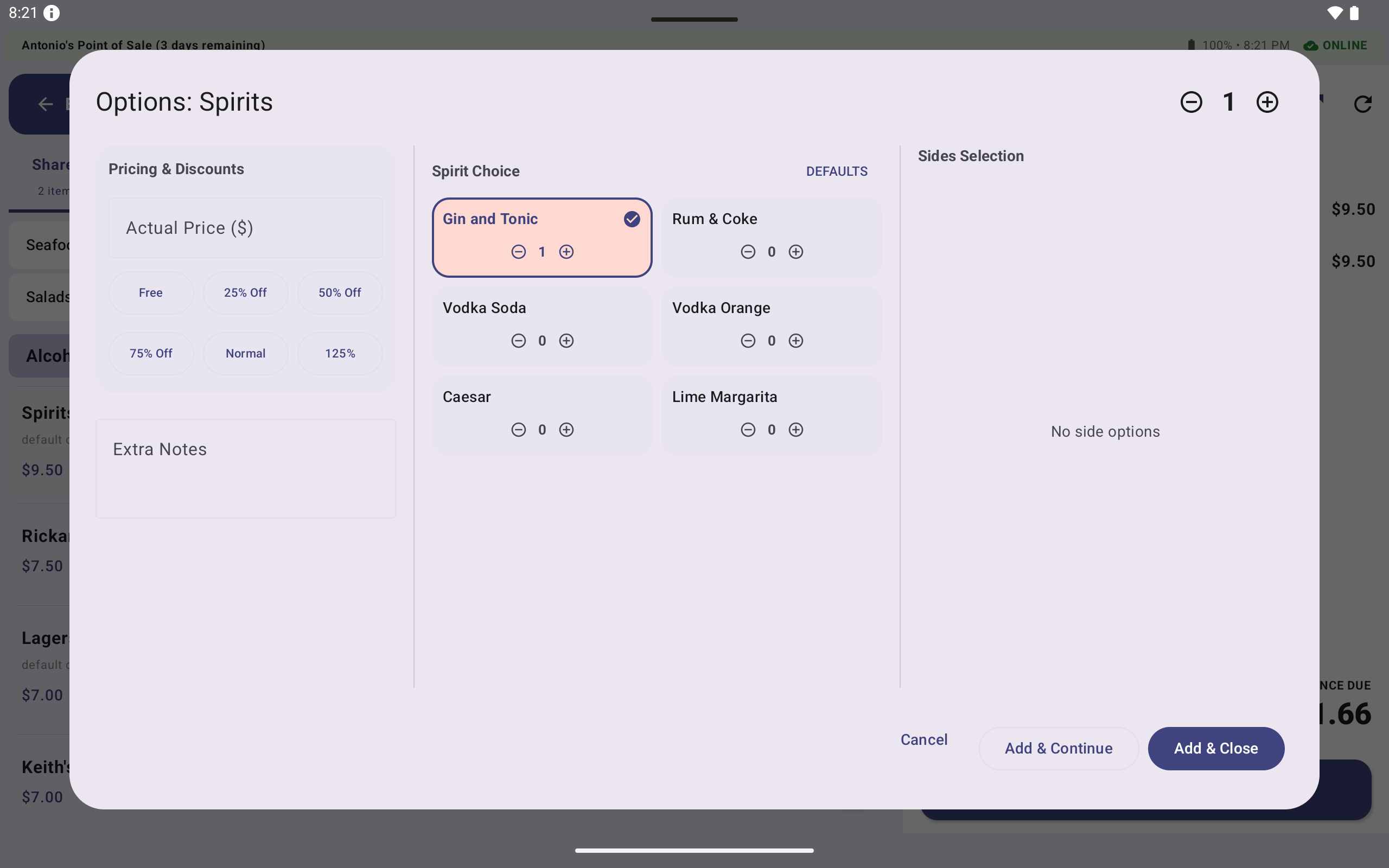
Tickets are sorted by dispatch time with stable ordering — a ticket that's been cooking for 14 minutes doesn't jump ahead of one that's been cooking for 15 minutes just because a modifier was added. The order on screen matches the order in the kitchen.
The KDS subscribes to the same Room LiveData that the floor tablets write to. When a server taps Dispatch, the write triggers a LiveData emission and the ticket appears on the chef console within milliseconds — no polling, no manual refresh. The only exception is when the floor tablet that dispatched is offline and the KDS is on a different device; in that case the ticket gets pushed through the same NAS sync used for every other update the moment the floor tablet reconnects.
The design system
Color in this application is not decoration — it's operational data. The palette is constrained so each color carries one unambiguous meaning:
| Status | Color | Applied To |
|---|---|---|
| Active / Occupied | Active Blue #4B89DD | Table cards with open orders |
| Closed / Awaiting Delivery | Brand Peach #FDD9D1 | Tables paid but not yet cleared |
| Delivered / Completed | Forest Green #2E7D32 | Online badge, paid total, completed tickets |
| Unbalanced / Warning | Status Red #BA1A1A | Unpaid remainders, voided items |
| Kitchen Pending | Status Yellow #FBC02D | Items awaiting preparation |
| Kitchen Ready | Warm Amber #F57F17 | Items ready for pass, tickets 5–12 minutes old |
Modifier pills get their own colors too — terracotta for mashed potatoes, sage green for onion rings, periwinkle for poutine, dusty rose for coleslaw. After a single shift, a server learns to confirm a modifier at a glance without reading the label.
The palette also supports four theme modes: System, Light, Dark, and High Contrast — the last one specifically for outdoor patios and sunlit dining rooms where standard contrast washes out.
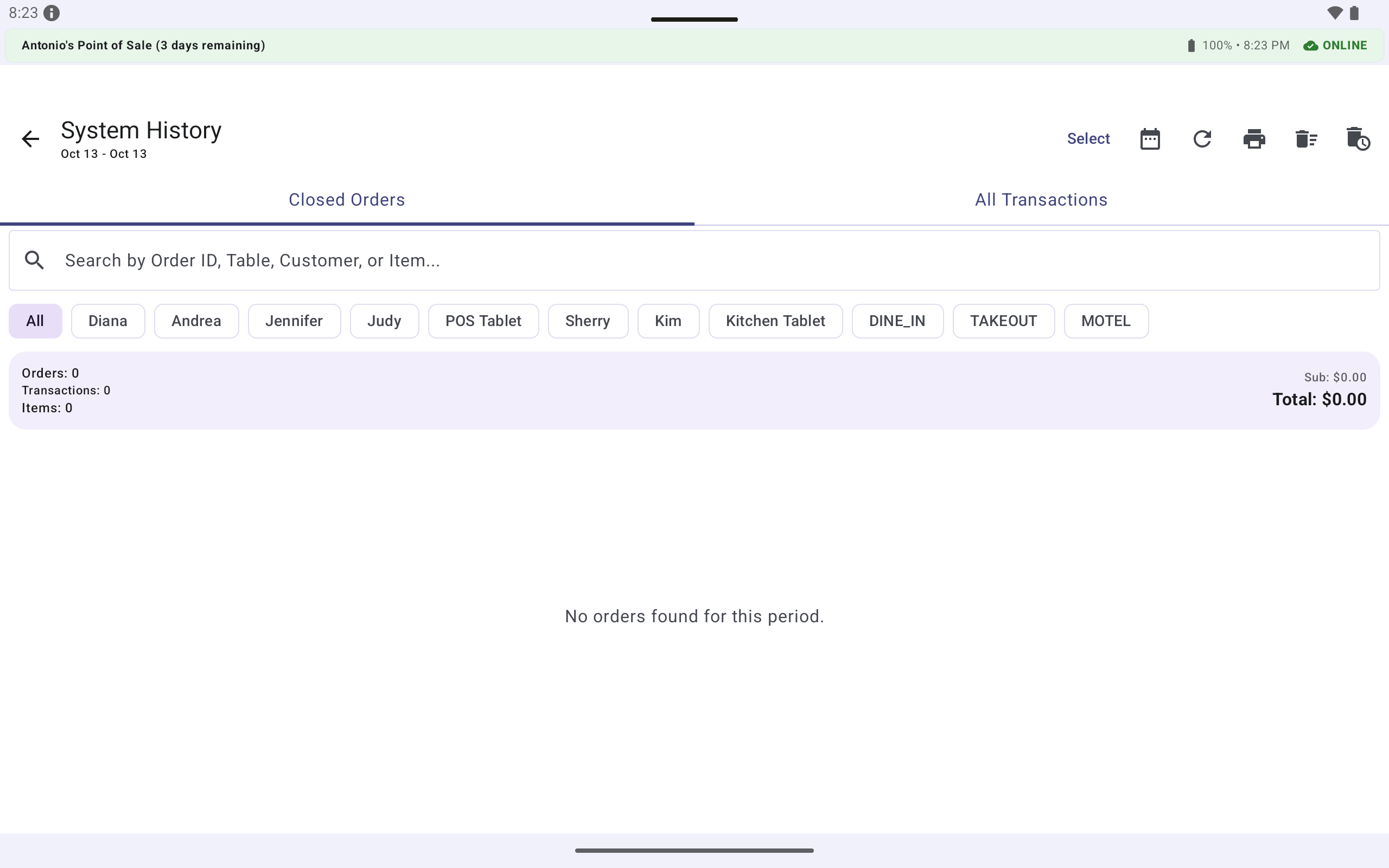
Printing that never blocks the floor
The printing subsystem is deliberately decoupled from everything else. It receives a fully-formed document descriptor and emits bytes. It doesn't know what a table is, what a guest is, or what a payment mode is.
Two stages:
ReceiptFormatterturns a structured record into a plain-text, column-aligned document.ReceiptEscPosGeneratorturns that document into the raw ESC/POS byte stream a thermal printer consumes.
Separating them means the layout of a receipt can change without touching the printer byte stream, and the byte stream can be swapped for a different printer model without touching the layout.
But the more important property is this: a print failure never rolls back a transaction. The order has already been committed to the Room database; the printer is a downstream consumer of that committed record, not a participant in it. A server can take payments all night without a working printer, and the receipts can be reprinted from the System Logs screen once the printer is back online.
What this looks like in the codebase
The Android project is one module with cleanly separated concerns:
data/local— Room database, entities, DAOs, convertersdata/remote— NAS sync, API constants, sync status modelsdata/repository— the boundary between UI and persistencedata/sync—BackupManagerandSyncManagerui/screens— one screen per operational view, with sub-packages fordashboard,ordering,payment,reservations,chef,history,settingsui/theme— colors, shapes, typography, themeutil/printing— the receipt formatting and ESC/POS pipelineutil/financial,util/ordering,util/auth,util/system— reusable business logicviewmodel— operation-specific extensions on the main view model
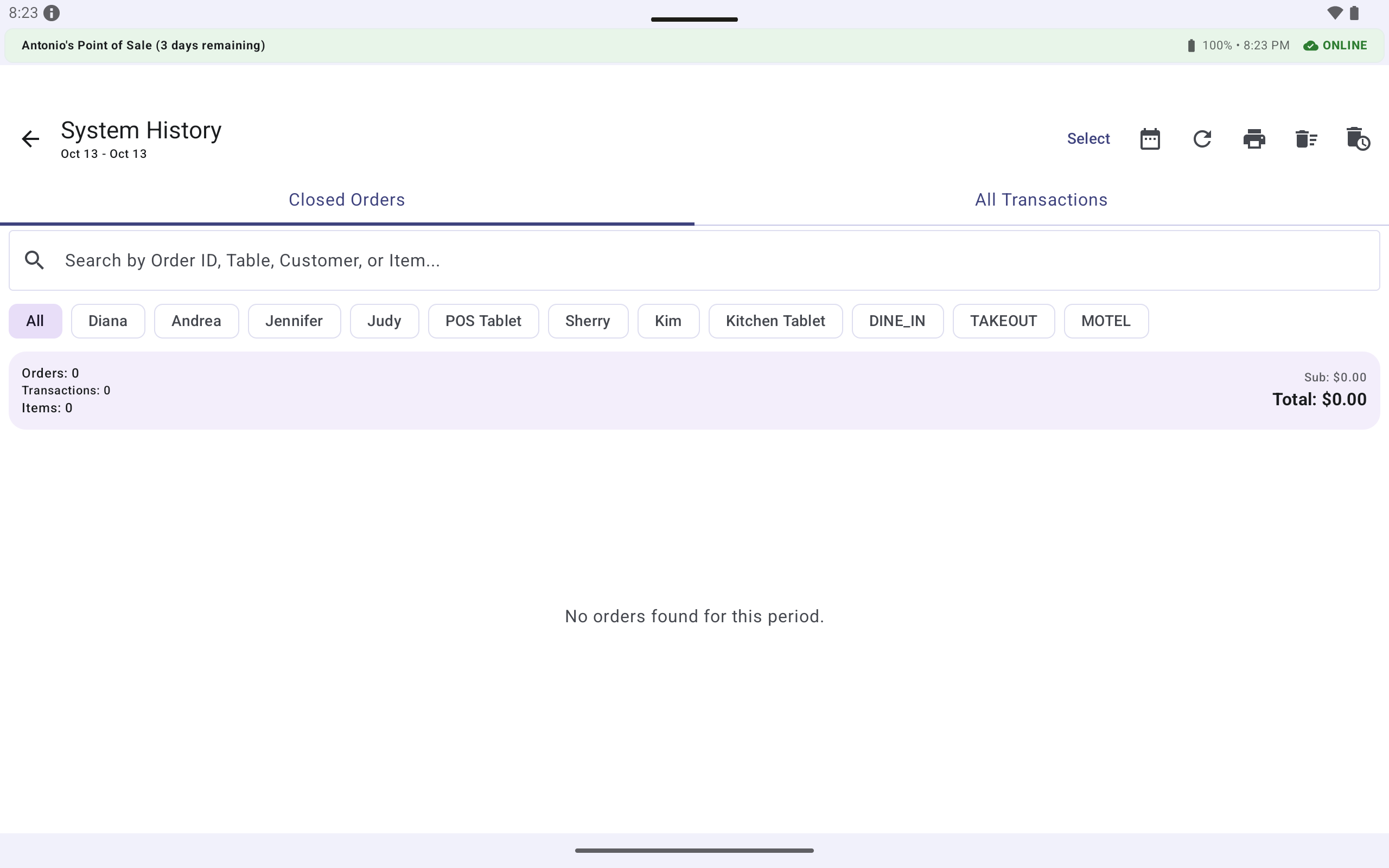
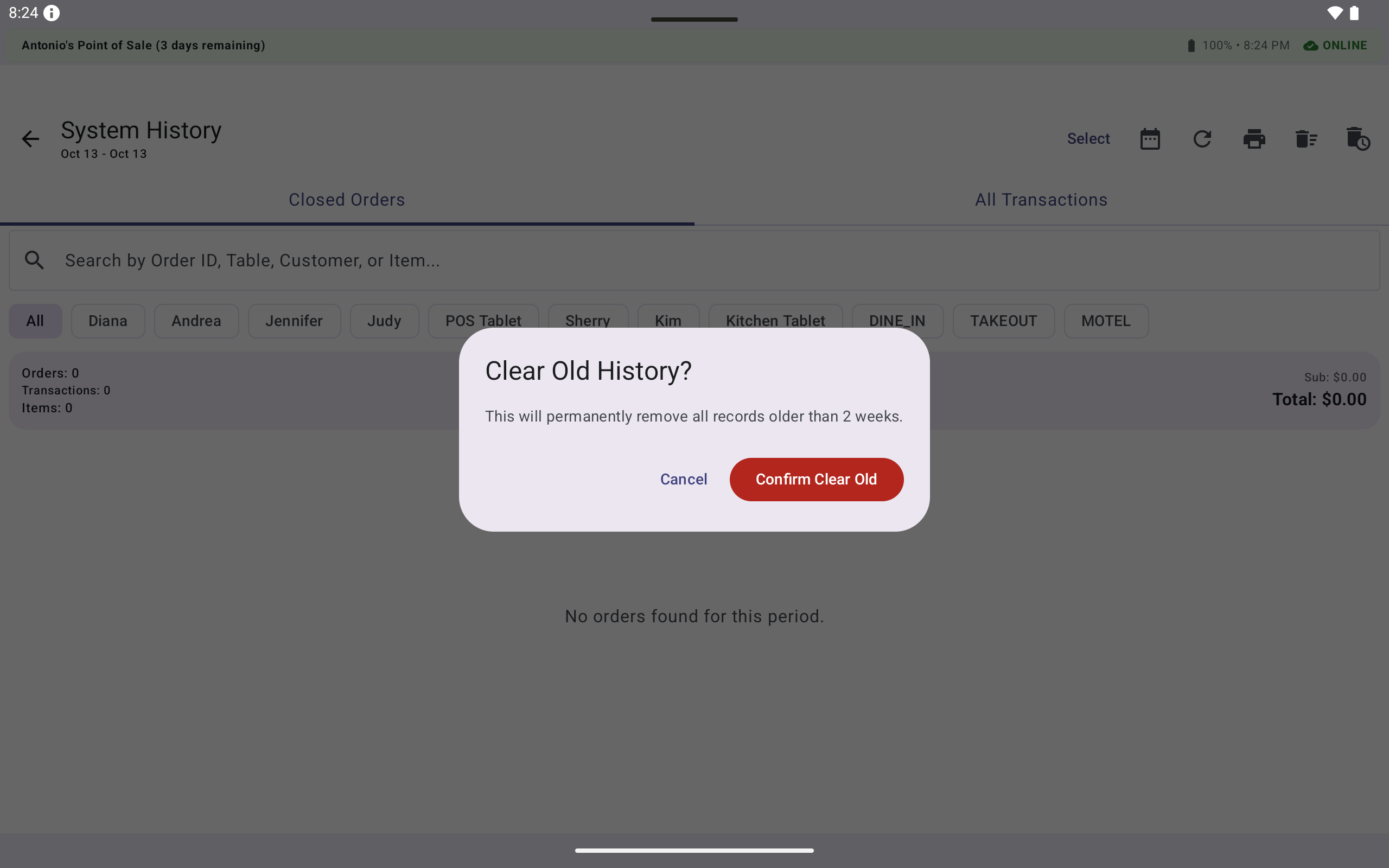
Every write goes to the same Room database. Every screen reads from the same source of truth. Every diagnostic screen (System Logs, Analytics, Data Exports) reads from the same tables the operational screens write to — so there is no separate "reporting database" that can drift out of sync.
What this proves
Antonio's Point of Sale demonstrates that a production-grade restaurant POS can be built as a single Android application with:
- No cloud dependency. Every feature works offline.
- No mandatory network connection. The network is a background detail.
- No hidden state. Closing and reopening the app restores the exact floor state.
- No shadow data structures. A table that shows
$45.60anywhere shows$45.60everywhere.
The five decisions at the top of this post are what make that possible. Each one is simple in isolation. Together they eliminate entire categories of failure — the kind that only surface under production load, at 7 PM on a Friday, when a router somewhere decides to take a break.
The result is a system that behaves the way a POS system should: invisibly, reliably, and without ever making the front desk wait for the network.
Antonio's Point of Sale is a custom Android POS built with Kotlin, Jetpack Compose, Room, and a deliberately offline-first architecture. The full technical documentation — including the design system, the payment splitting engine, the sync pipeline, and the receipt formatter — is available as a companion reference.